
Desktop Repair
Desktop repairs, upgrades and PC builds.
Desktop computer repair in Kathmandu: no power, no display, restarts and slow PCs, plus SSD and RAM upgrades and new PC builds. Price in writing first.
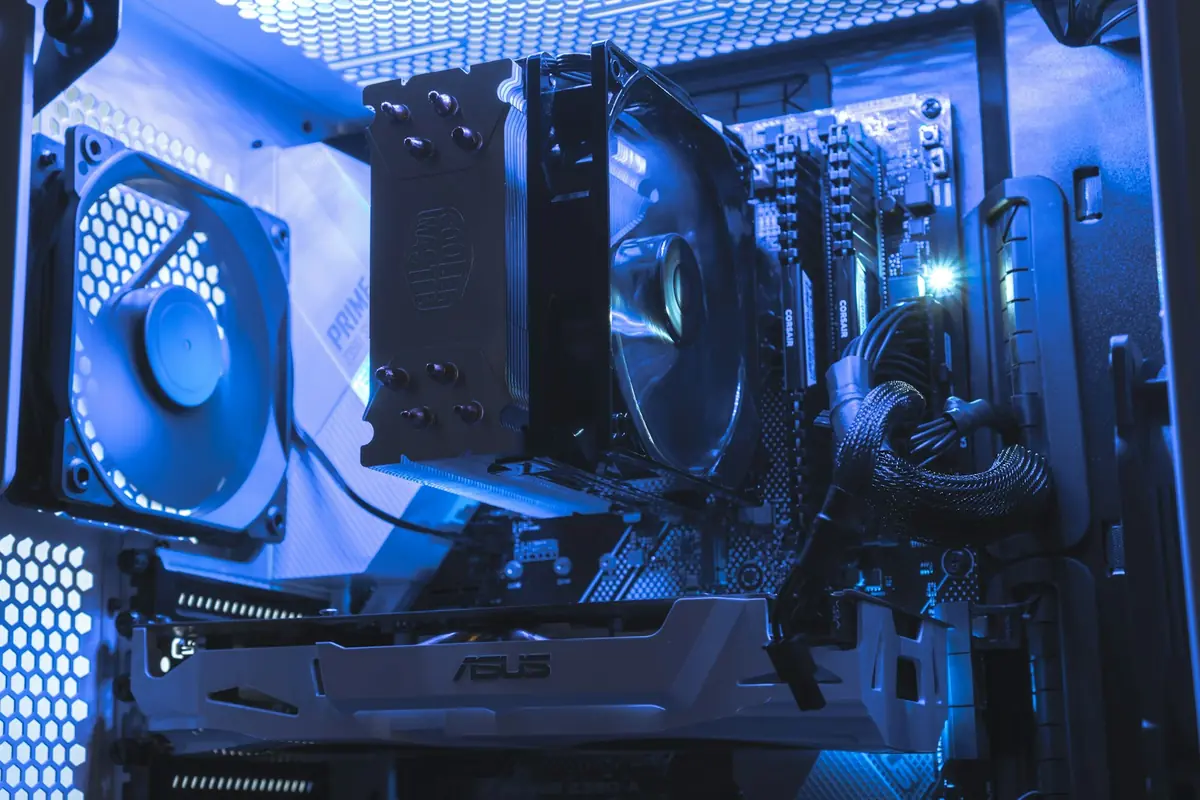
Common desktop repairs
No power or no display
Power supply, motherboard and graphics faults found and fixed.
Restarts and blue screens
Memory, storage, overheating and Windows faults traced one by one.
Slow computer
SSD and RAM upgrades, cleaning and a fresh Windows setup.
Motherboard repair
Board faults repaired at chip level where it makes sense.
Power supply replacement
A failed or weak power supply replaced with the right size.
New PC builds
Office, design and gaming PCs built to your budget.
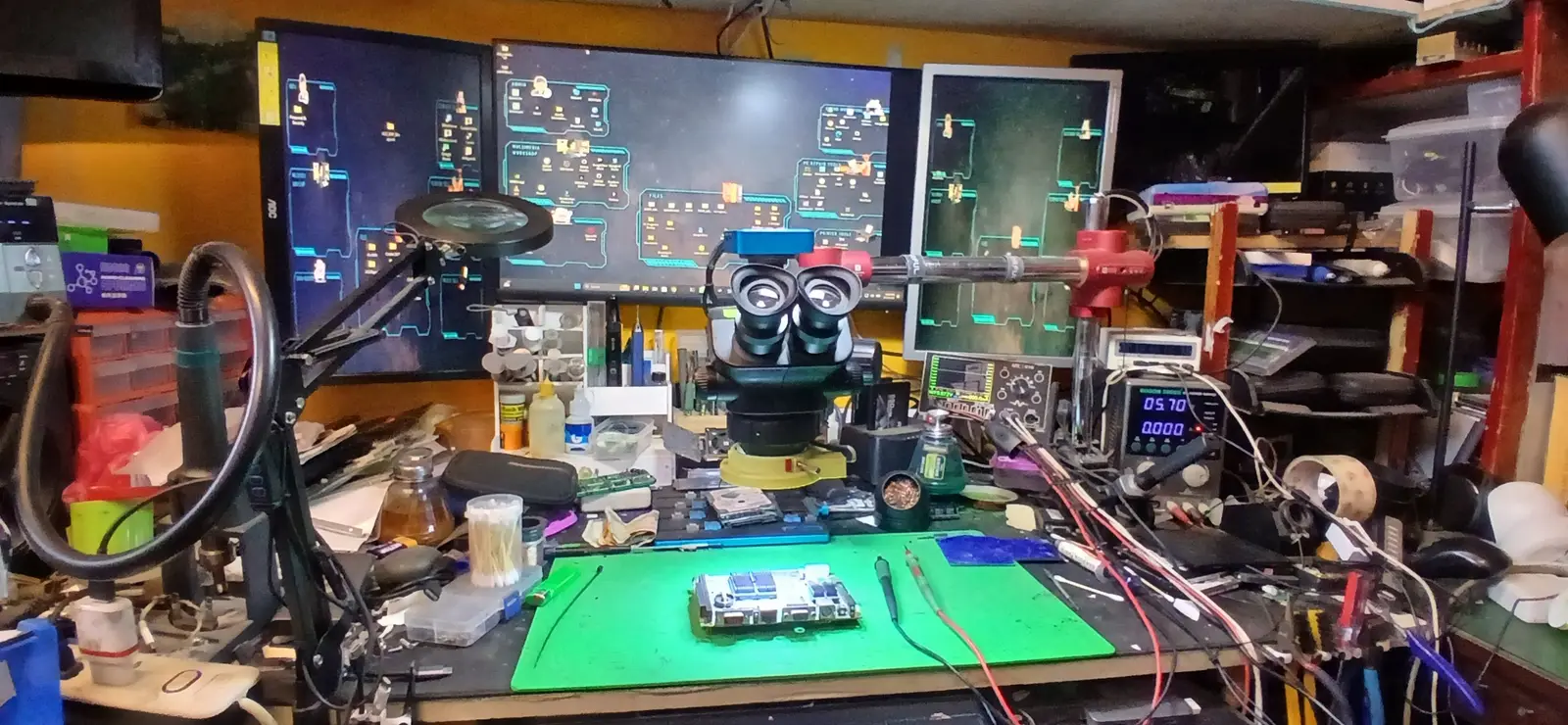
On our bench
Test cards and power supply testers show which part fails; memory, storage and graphics cards are tested one by one.
- Diagnostic test cards
- Power supply tester
- Anti-static bench
- Diagnostic software
How we fix it
We check the PC first and tell you the fault and the price. Work starts only when you agree.
Free basic check
We test the power supply, memory, storage, graphics and motherboard.
Price in writing
You get the fault and the price before any work starts.
Repair or upgrade
We replace the failed part, or add an SSD or more memory.
Test and hand back
The PC is tested before you collect it.
Your computer working again
Your computer back working, cleaned inside, with the fault and the repair written on your bill.
- Fault found before you pay
- Faster with SSD or RAM upgrades
- Cleaned inside
- Tested before return
How every repair works
The same five steps for every repair.
Free basic check
We find the fault before you pay anything.
Price in writing
You approve the price before work starts; we do not go over it.
Repair the fault
We find the part that failed and repair or replace only what is needed.
Tested before return
Every repaired device is tested before it is handed back.
Warranty on every repair
Against the same fault; the period is written on your bill. Follow each stage online with your job number.
Questions about desktop repair
Can you make my old PC faster?
Usually yes: an SSD and more memory make the biggest difference. We tell you what is worth doing for your PC.
Do you build new PCs?
Yes, for office, design and gaming use, to your budget. We list the parts and the price first.
Will Windows be reinstalled?
Only if it is needed and you agree. We back up your files first when we do.
Is the check free?
Yes, the basic check is free. You pay only if you decide to go ahead with the repair.