
Laptop Liquid Damage Repair
Water, tea or juice in a laptop causes corrosion that spreads over days. Switch the laptop off at once, do not charge it, and bring it to us: we open it, clean the board and repair the parts the liquid damaged.
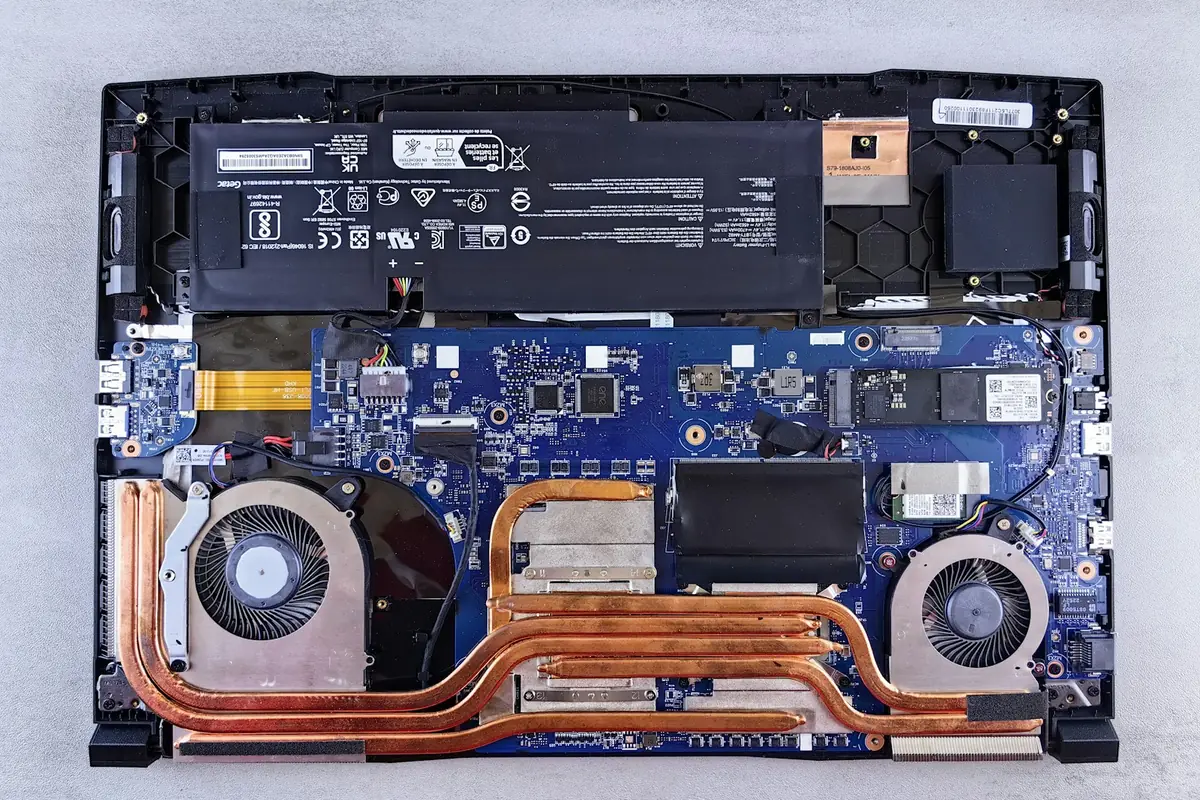
Signs you need it
- Liquid spilled on the laptop
- Keys or trackpad stopped working after a spill
- Laptop turns off or will not turn on
- Sticky keys or a smell after a spill
What we do
- Open the laptop and remove the battery
- Clean the board and remove corrosion
- Repair or replace the damaged parts
- Test everything, including the keyboard and ports
How long it takes
Usually two to five working days. The sooner you bring it, the better the chance.
Brands we repair
Dell, HP, Lenovo, Apple MacBook, Asus, Acer, MSI and Toshiba laptops.
Free basic check, the price in writing before any work, and every repair comes with a warranty.
Questions
What should I do right after a spill?
Switch it off, unplug it, turn it upside down and do not try to turn it on. Bring it as soon as you can.
Should I put it in rice?
No. Rice does not remove the liquid inside or stop corrosion. Bring it to us instead.
Can you save my files?
Usually yes, even when the laptop will not start. We copy them out if needed.
Is the check free?
Yes. The basic check is free and you get the price in writing. You pay only if you decide to go ahead.